1.1 Creating an Account
Summary
This tutorial elucidates the first step of your journey with Sanduq - creating an account. If you already have an account with Sanduq, you can skip this tutorial and move on to the next one.
Registration Page
To create an account, click here.
Note
If the hyperlink in the text "here" does not work, please copy-paste the following URL in your browser - https://dashboard.codhers.com/en/signup
The Form (Part-1)
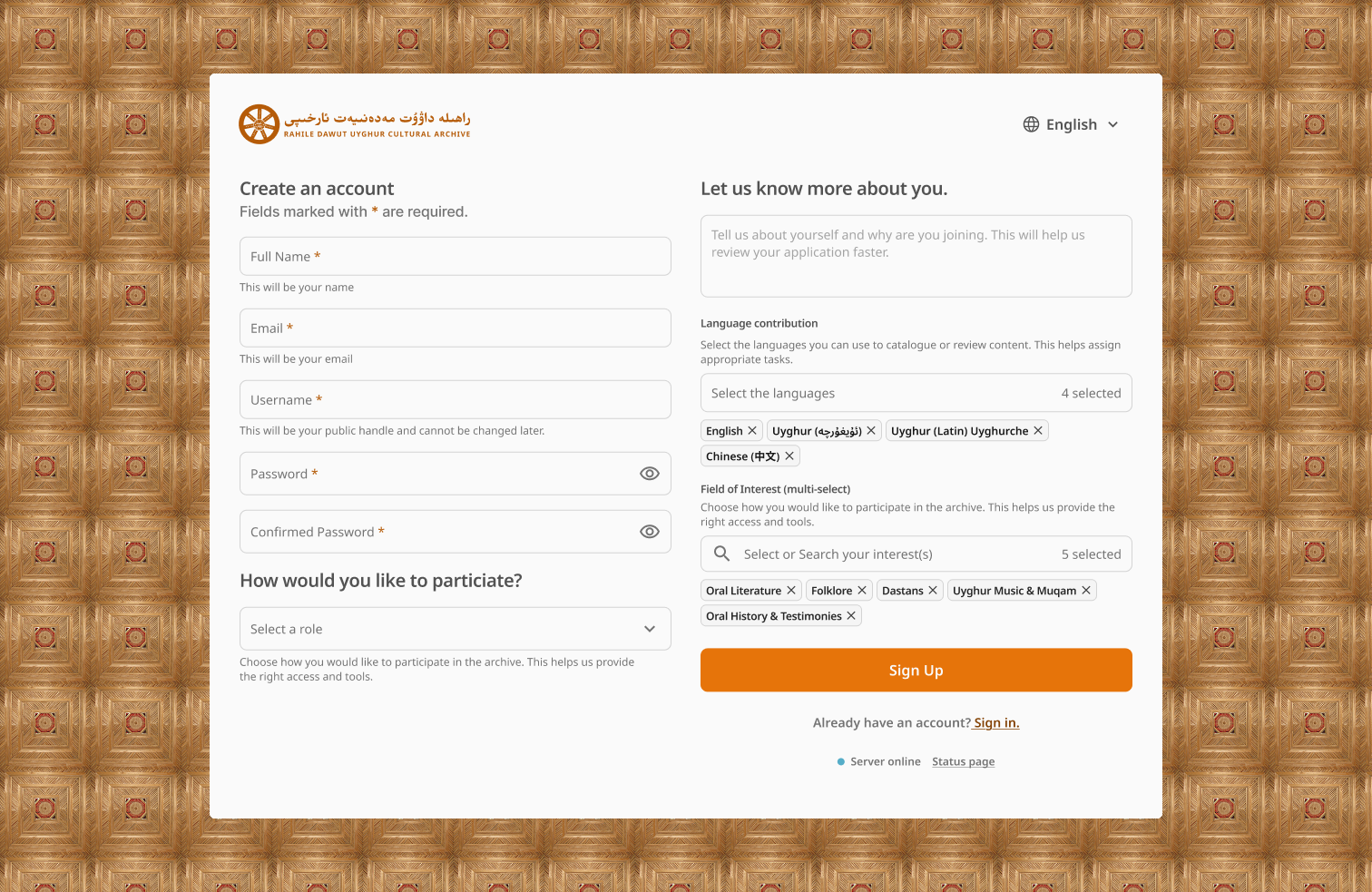
The first part of the registration form includes:
- Full Name: your full name as shown in your personal IDs. Your full name will not be publicly shown unless you explicitly tell us to do so in your profile settings.
- Email: the email you wish to receive updates, requests, & alerts to.
- Username: the public username that will be visible to other users of Sanduq.
- Password: a strong password which must not be shared with any other site. And, don't worry, Sanduq uses financial banking grade security encryption for your password.
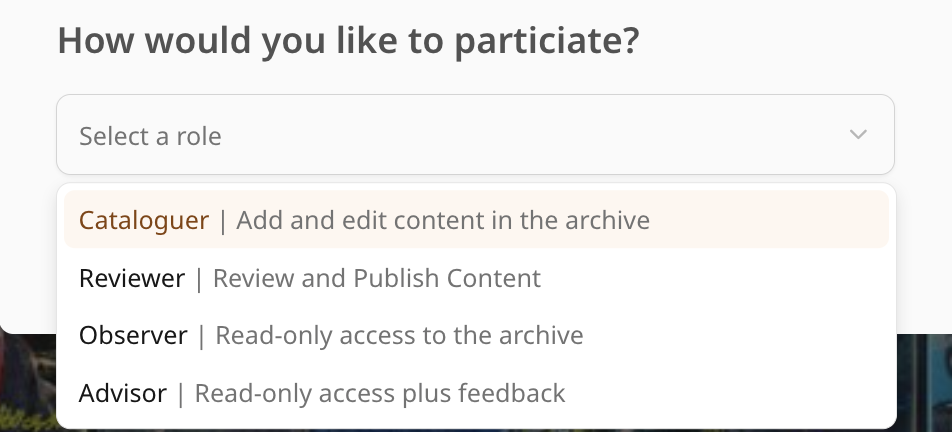
- Role: an important decision to make. Your role signifies what you want to do in Sanduq.
Click to learn more about roles
Cataloguer: an individual responsible for uploading cultural materials and creating or managing the associated metadata.
Reviewer: an individual who evaluates submissions from cataloguers and makes decisions regarding the approval or rejection of cultural materials.
Observer: an individual who explores the collections in read-only mode, ideal for demonstrations, training, or general learning.
Advisor: an individual who oversees project progress, provides feedback, and ensures community and archival standards are maintained.
The Form (Part-2)
The second part of the form includes:
- About Yourself: a space where you have the opportunity to tell us briefly about yourself and why you are signing up for Sanduq. While optional to do so, it helps us understand who you are and why you want to use Sanduq enabling a faster approval process.
- Language Contribution: do you know Uyghur? or English? or perhaps both? Let us know by selecting the languages you can use to catalogue or review content. This information helps the staff with task assignments.
- Field of Interest: Choose how you would like to participate in the archive. Maybe you are an expert in Oral Literature or Music. Let us know to provide the appropriate access and tools.
Waiting for Approval
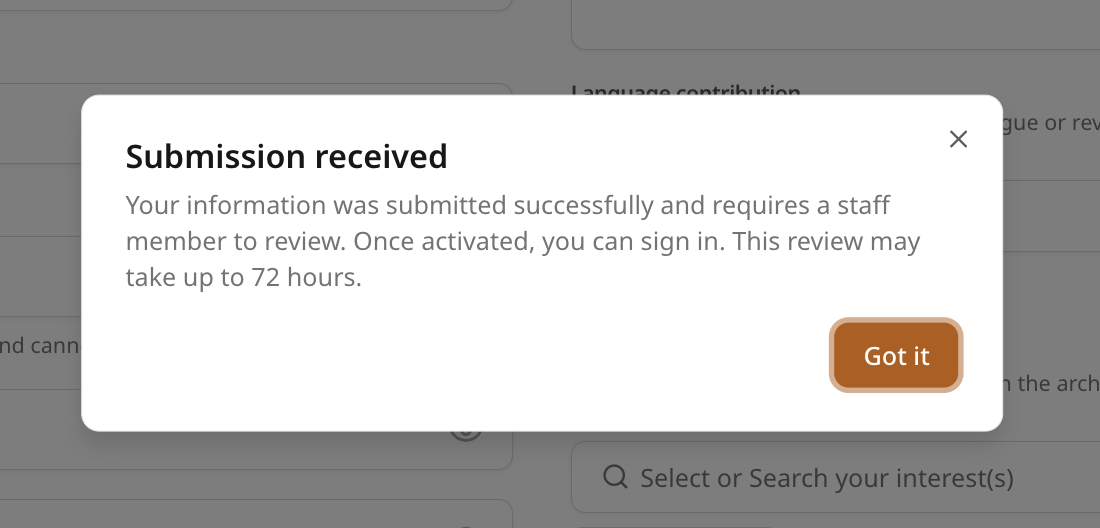
After clicking the "Sign Up" button, a successful registration will display a "Submission received" pop-up. Approval takes, at the maximum, 72 hours from time of registration.
If you are facing any issues with registration, please reach out to the staff from CoDHerS.